I’ve added this thread to a master list of ZFS/TrueNAS and Time Machine threads I’ve created, here: My Adventures with TrueNAS, ZFS, and Time Machine: A Master Post
I also ended up creating a single parent dataset to house all my child Time Machine datasets (one per client Mac). That way, I can set global options like compression, encryption, record size, etc. on a single dataset, and when I create a new child for a new Mac, it’s pretty much ready to go aside from setting up the ACL.
Because I wanted to test the officially supported method, I actually ended up using the built-in Time Machine Purpose preset to create an SMB share with all the presets that TrueNAS wants a Time Machine SMB share to have. I had it create the parent dataset, and enabled the option to have it automatically create a child dataset for each new Mac that connected, which gets me the one database per share arrangement discussed above for snapshots.
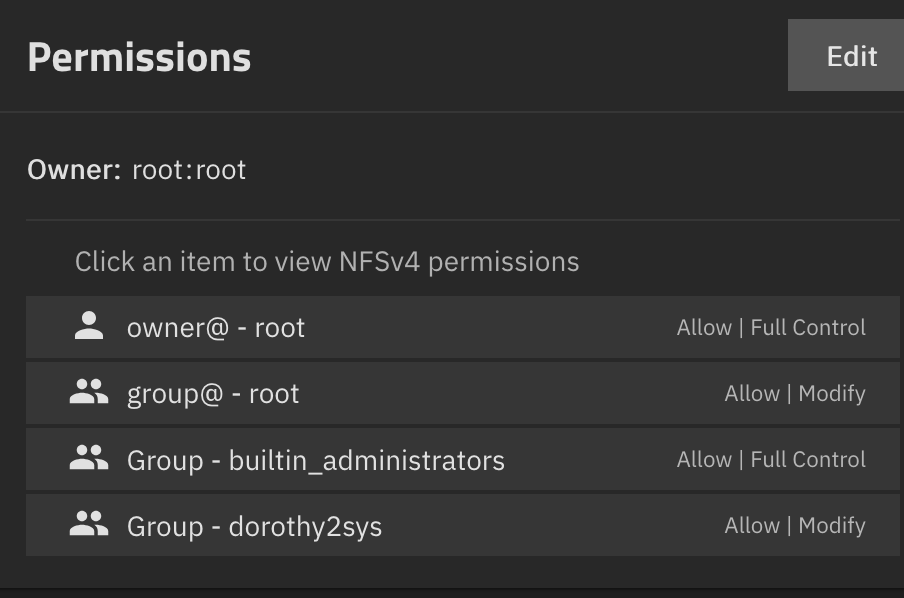
If you go this route, you’ll add the ACL for the new Mac to the parent dataset (I use the group associated with the new Mac’s Time Machine user, and give the group Modify permissions on the parent).
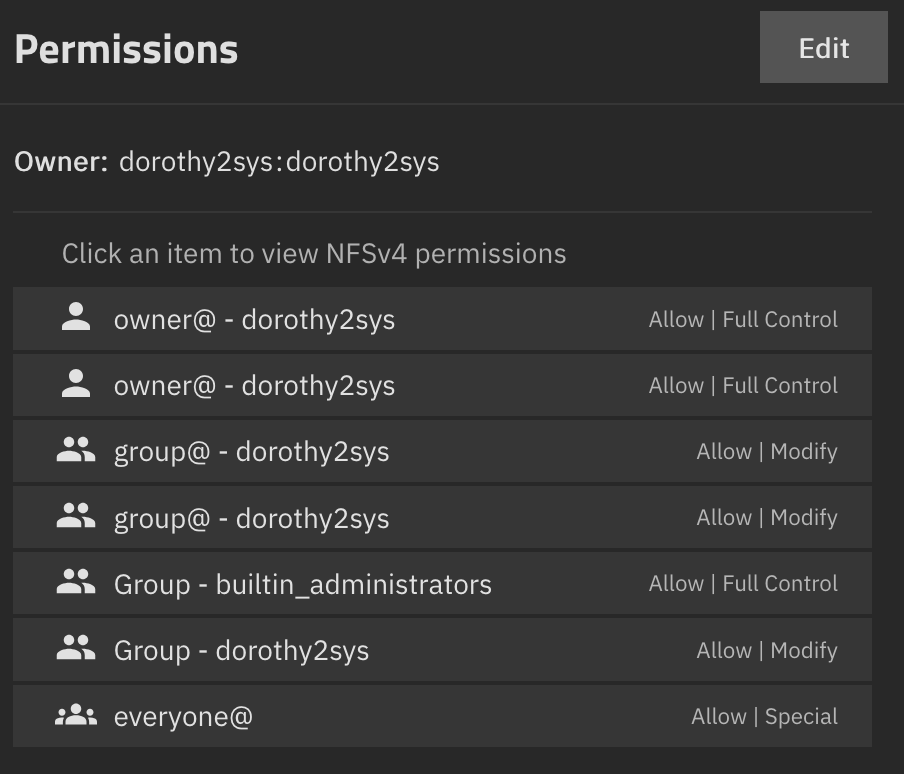
As soon as the new Mac connects to the Time Machine share for the first time when you’re setting up Time Machine on the new Mac, TrueNAS will create the child and auto-populate the ACL with, honestly, a bunch of really odd looking stuff that, according to the TrueNAS devs, is the platonic ideal of how the Samba devs want the ACL to look in this situation.
Behold. (Yes, I asked on the TrueNAS forum and the dev that manages this part of the system said this is how it’s supposed to look.)