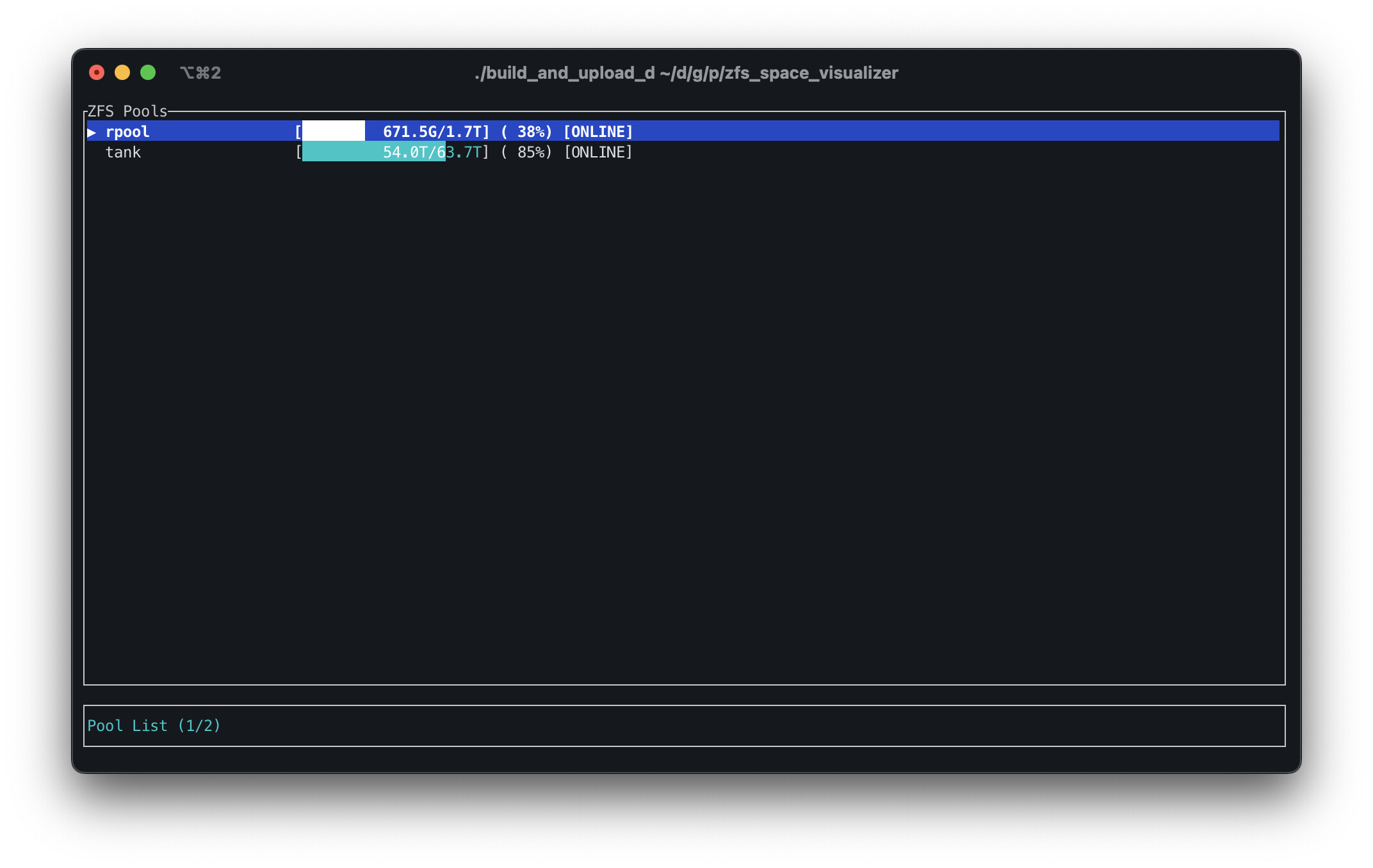
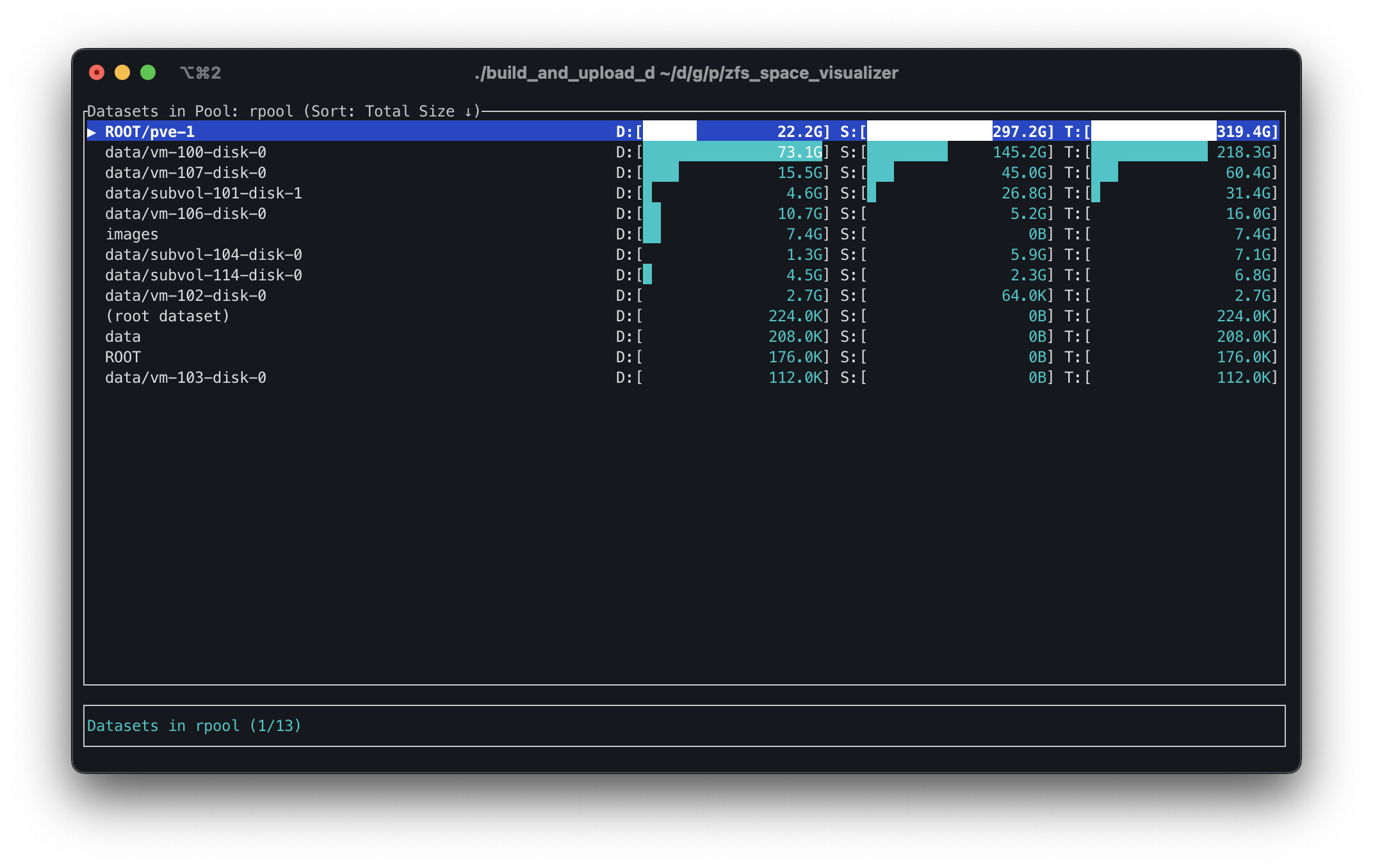
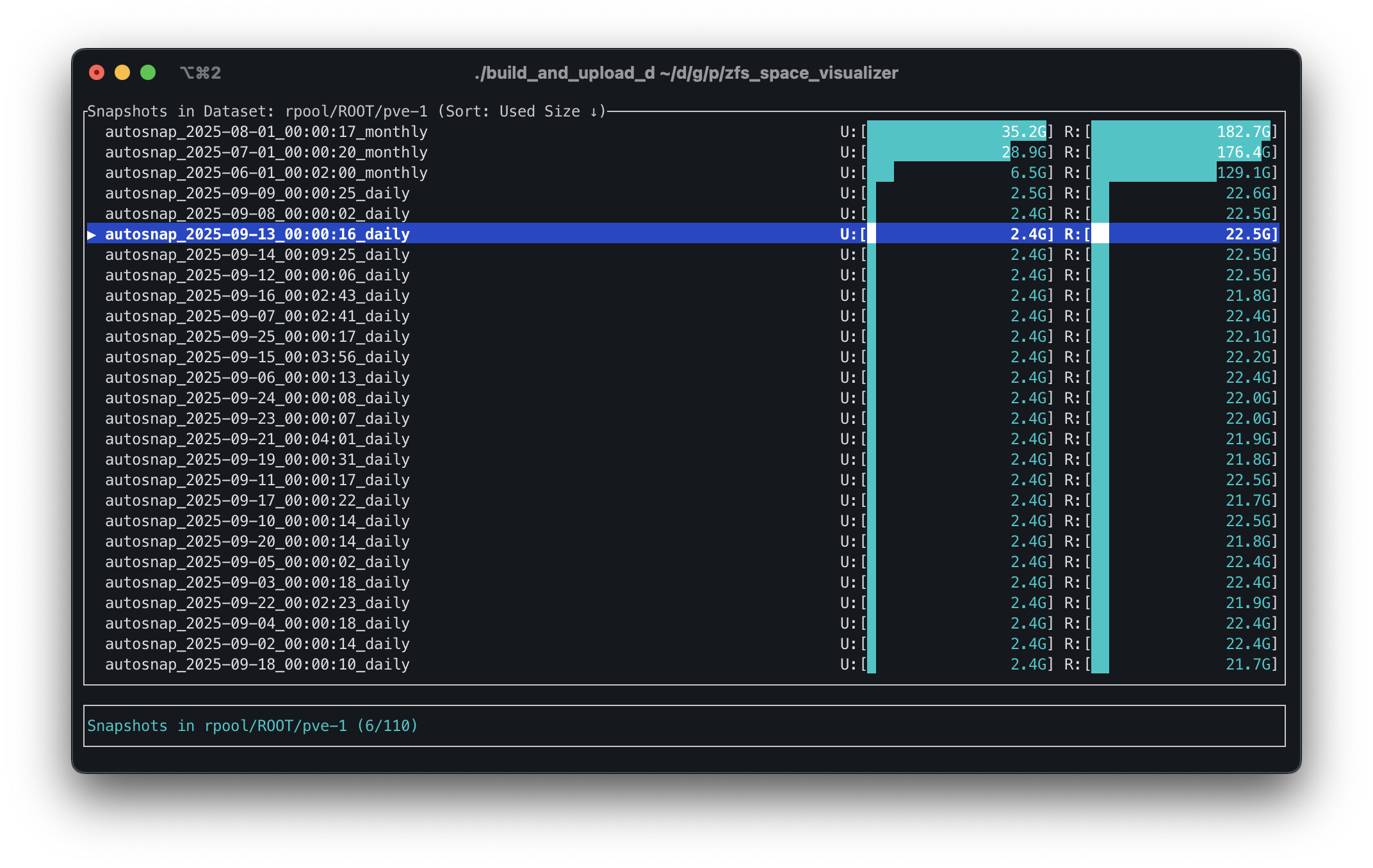
This week I vibe coded a little app that will show you ZFS pools, datasets, and snapshot usage. It also has the ability to push “d” twice to delete a snapshot (but no ability for dataset/pool destroy, for safety purposes). I’m curious what everyone thinks. If you hate it, that’s OK too. I just thought I’d share something that was personally useful to me.
I made it because LibreNMS kept giving me warnings about ZFS space running out, and I would have to login to the server and run a bunch of commands to find out what snapshots were taking the most space.
I don’t know if the usage math works for other pools, but it looks right for my mirror and raidz2 pools.
I also (re)built my own script that handles replication for me. I would have used syncoid/sanoid but those wouldn’t do for single binaries. Since I use XigmaNAS for my storages, I needed a simple script that could be called via cron that can live on one of my pools.
It’s been working really well for me, but would prefer a tool like syncoid.
There’s a portable build of syncoid usable for situations like that. I don’t manage it, but if you Google it, it has its own GitHub project. The author has posted about it in here before!
I built a single-binary portable version of sanoid/syncoid/findoid just for this purpose:
My project simply takes the sanoid source and builds it into a self-contained binary that includes the Perl runtime and dependencies. I’m using it for snapshot management on my TrueNAS Core system.
I hadn’t heard of findoid before. I downloaded your portable version but I can’t find documentation or info on how to use findoid. I assume it shows you snapshot space usage?
No, it’s a stub of an idea I had for finding file versions within a long list of snapshots. I never really got it to the point I needed it to be for my own use, and I was actually going to pull it from the project until I discovered people were using it.
I’m not sure how or why, exactly, but people are using it, so there it stays.
For the purpose findoid was originally intended, I recommend Hot Tub Time Machine (httm). It was created by someone who was inspired by findoid but took it a lot further than I did, although in a different direction (I actually wanted findoid to, eventually, automatically scan disk images WITHIN datasets, mount them, and search for files within those mounted disk images).
 One quick request …